Press kit
Assets, copy and facts for writing about Multimeter. Everything here is free to use for editorial coverage, no approval needed.
Download the whole kit (ZIP, 4.5 MB)Facts
- Name
- Multimeter
- Developer
- Great Work LLC (Jake Marsh)
- Platform
- macOS 13 Ventura or later, Apple silicon and Intel
- Price
- $19.99 one-time. No subscription, 30-day refund.
- Version
- 1.0 (October 2026)
- Languages
- 14
- Website
- multimeterapp.com
- Press contact
- hello@greatwork.company
In one line
Meters for anything, in your menu bar.
About Multimeter
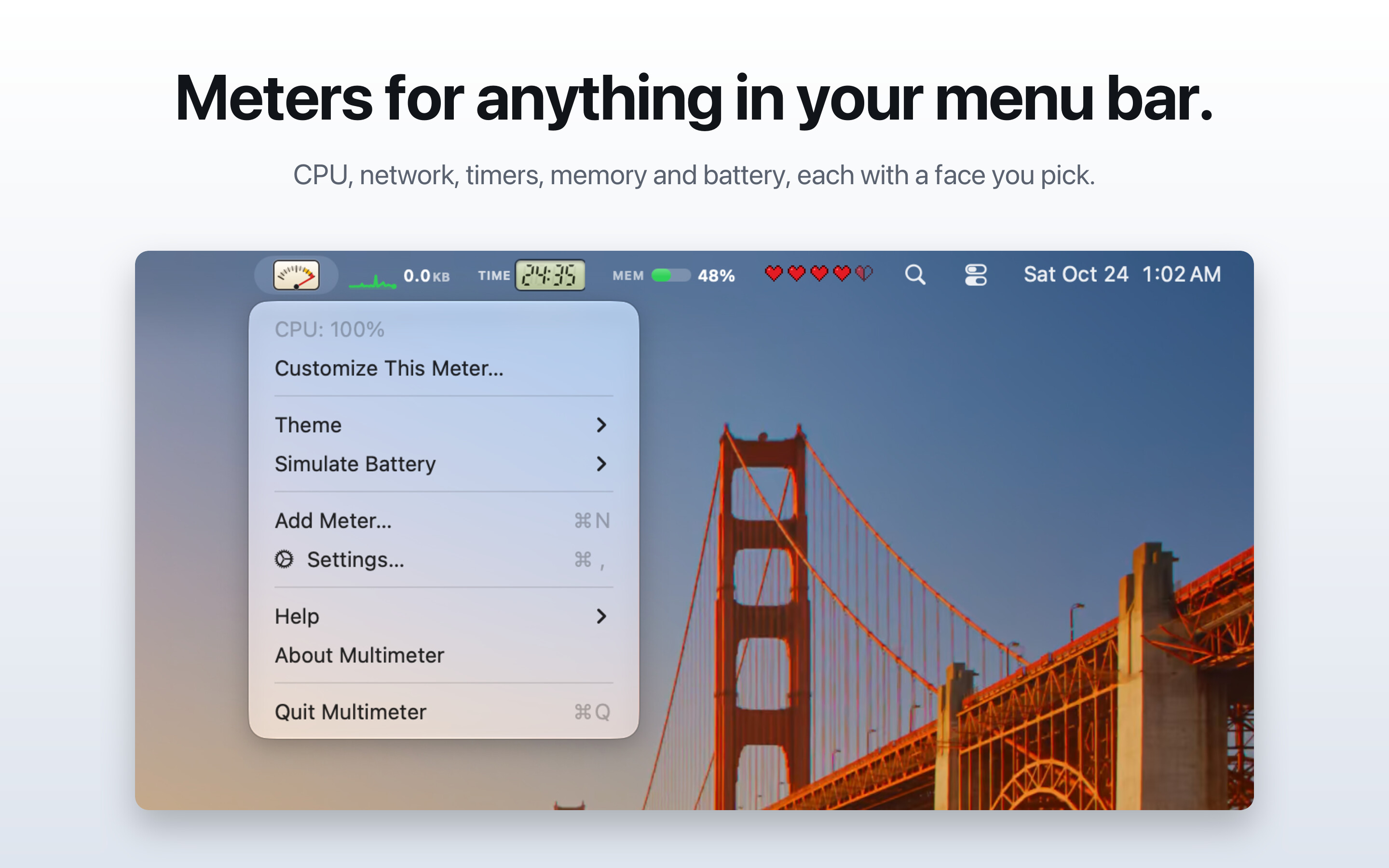
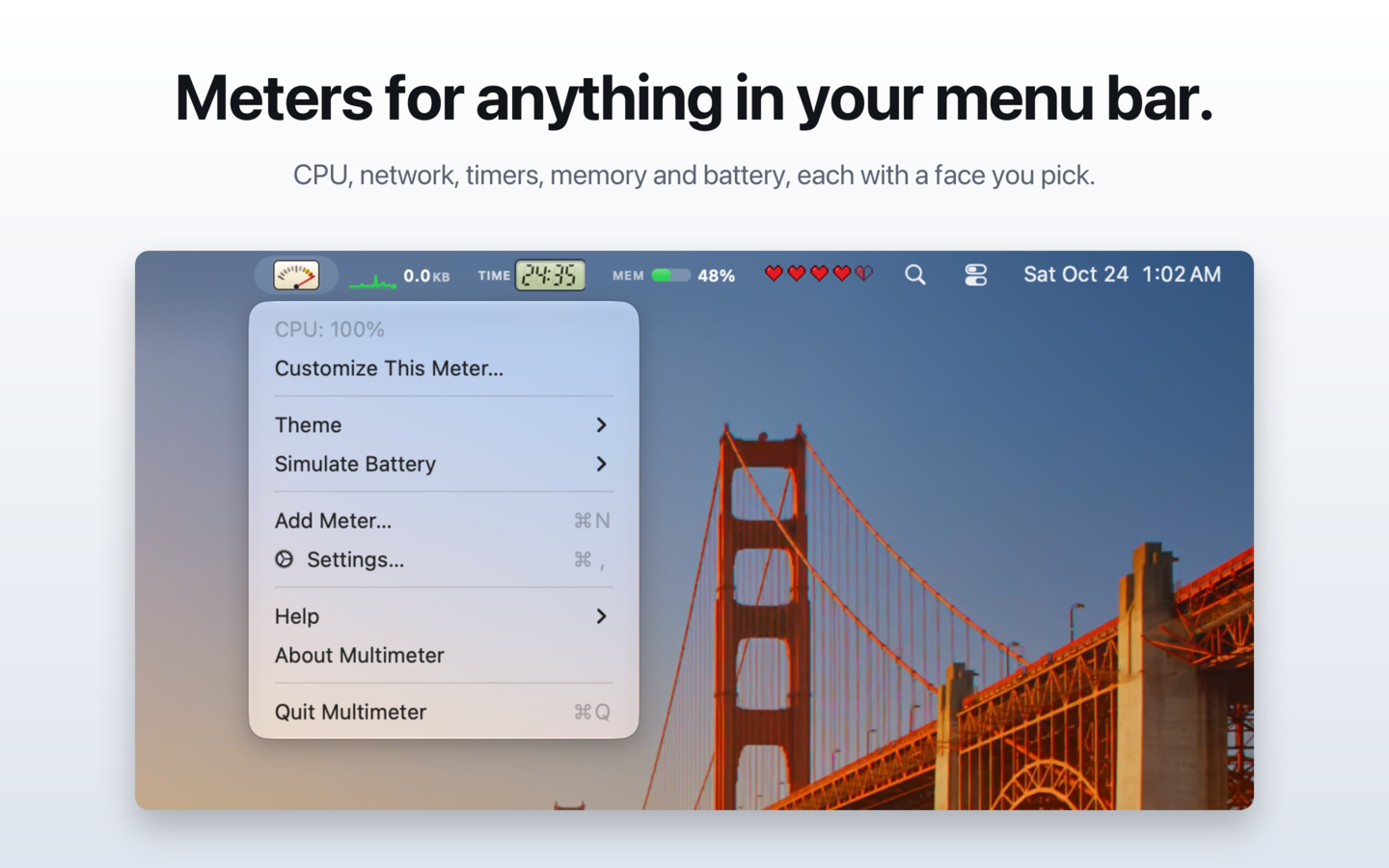
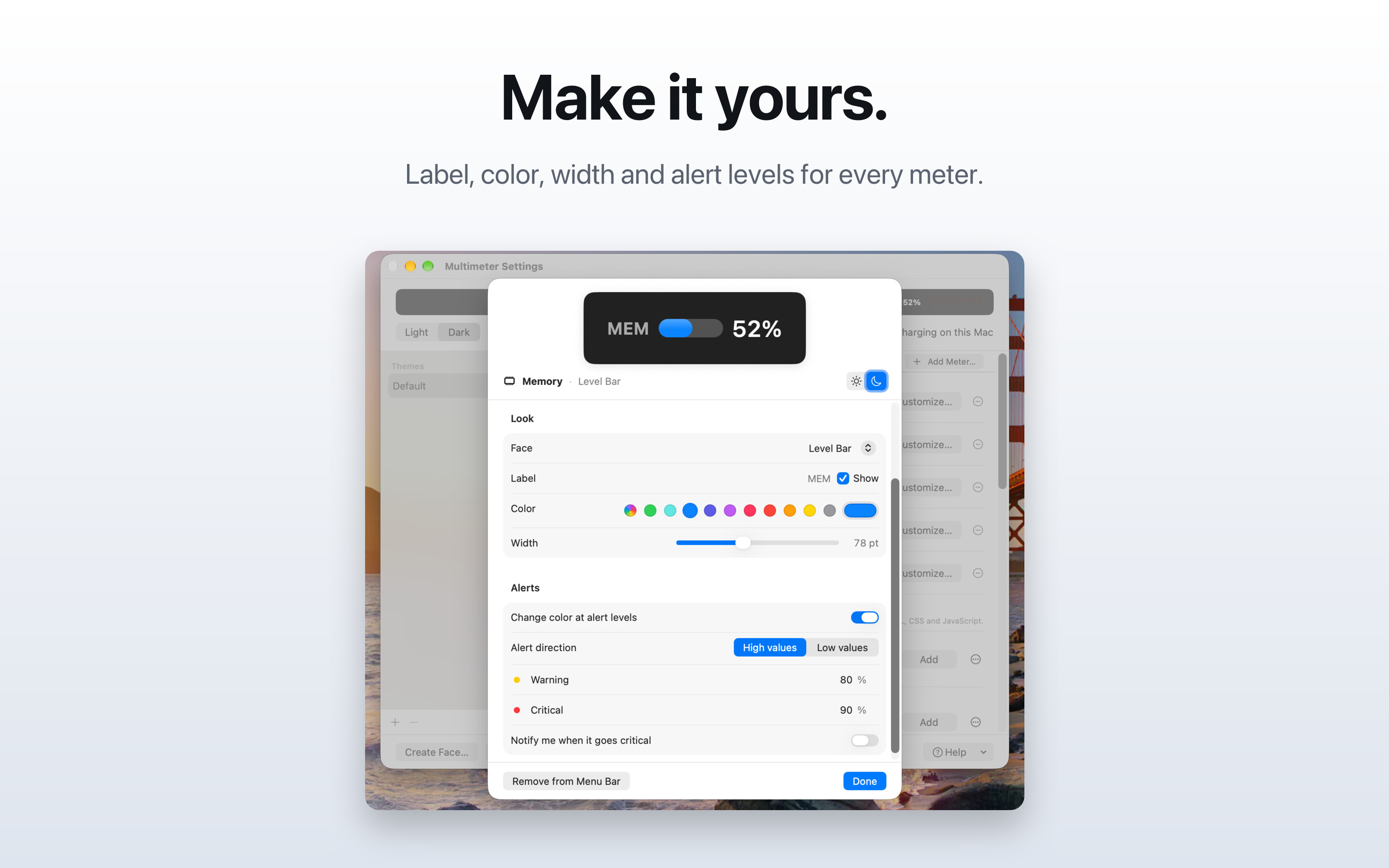
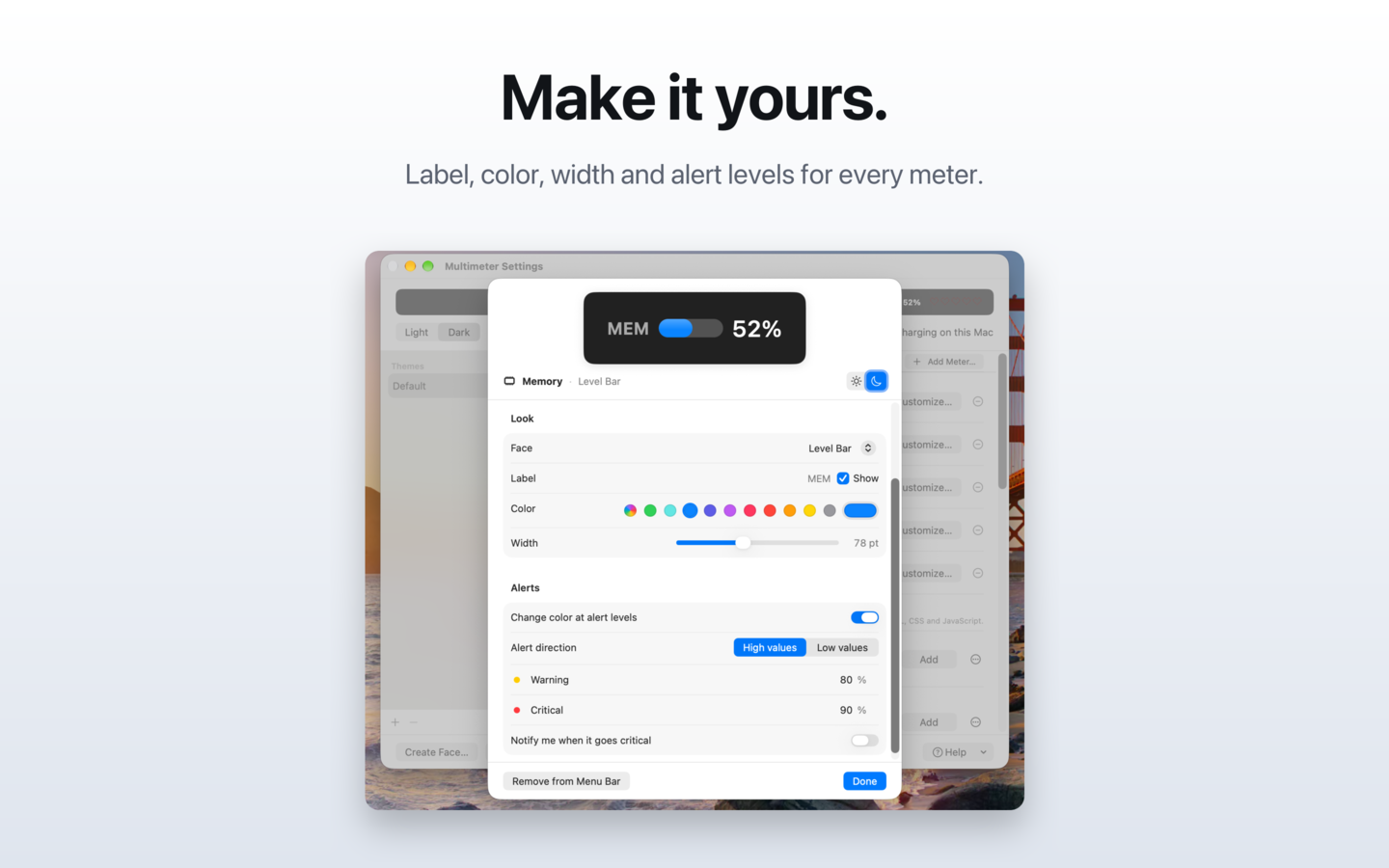
Multimeter puts live meters in your Mac's menu bar, and you choose what each one measures and how it looks.
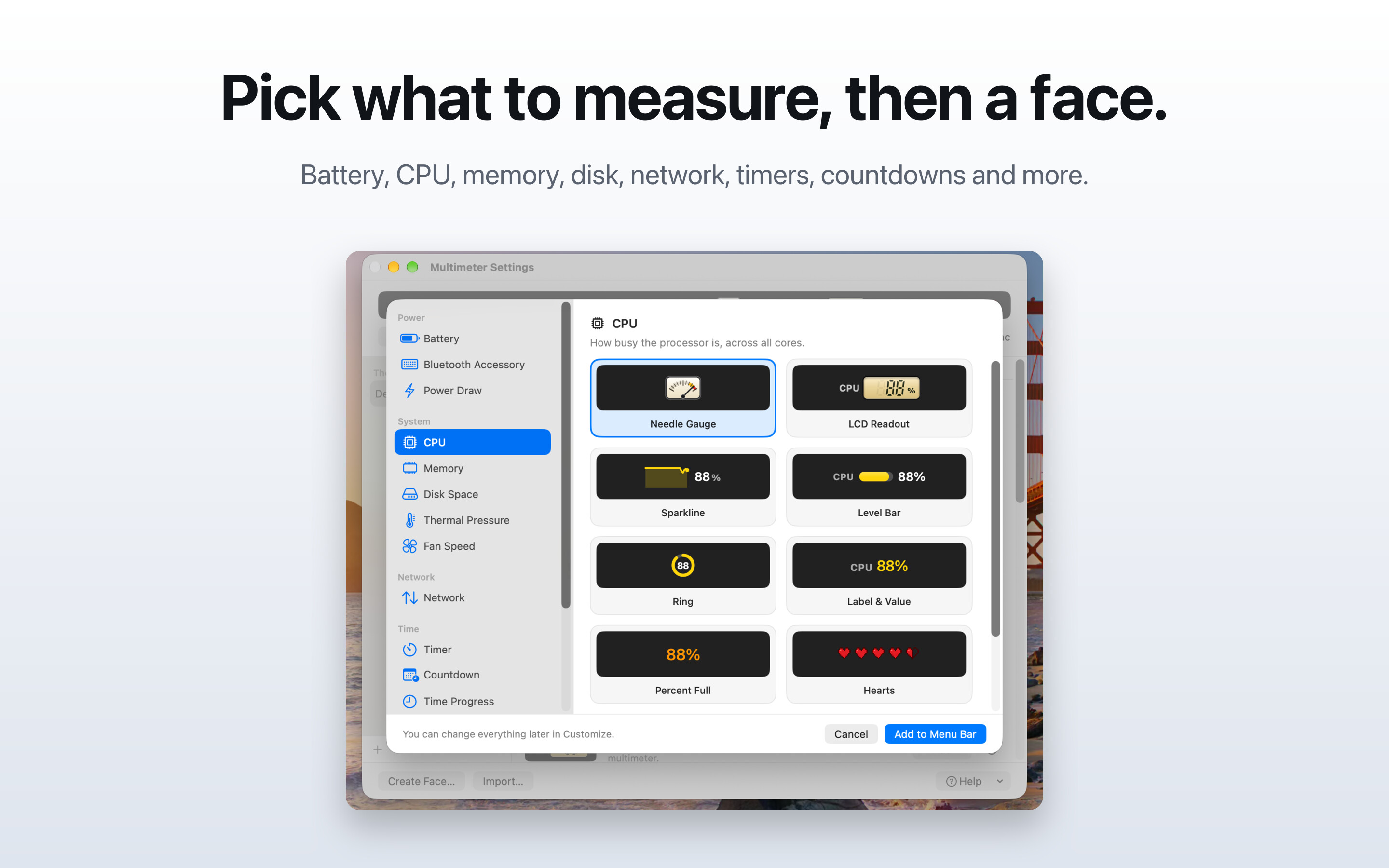
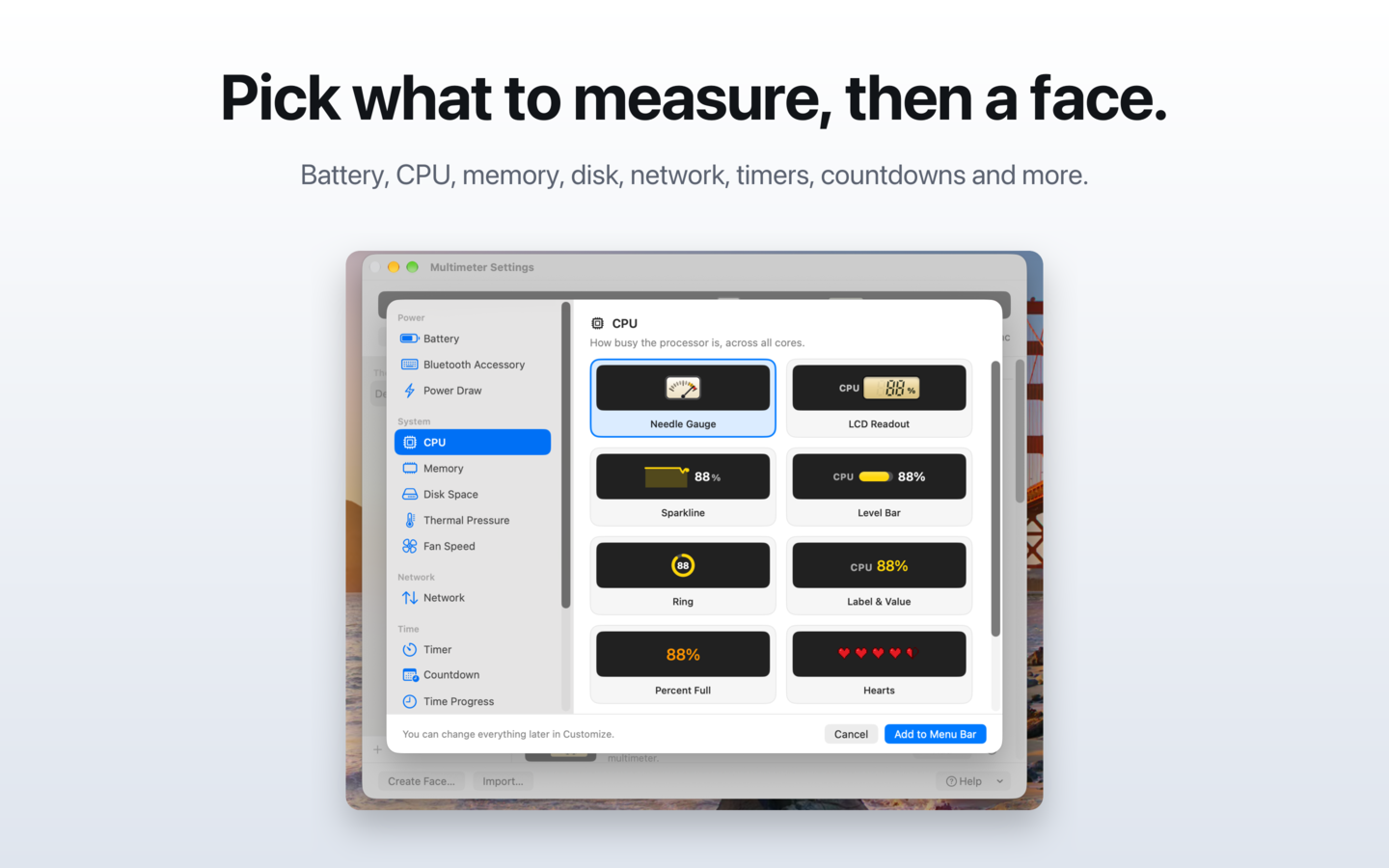
It reads 16 sources: your battery (charging state, time left, health), the battery in a Bluetooth keyboard, mouse or trackpad, power draw in watts, CPU, memory, disk space, thermal pressure, fan speed, network speed, timers, countdowns, and how much of the day or year has gone by.
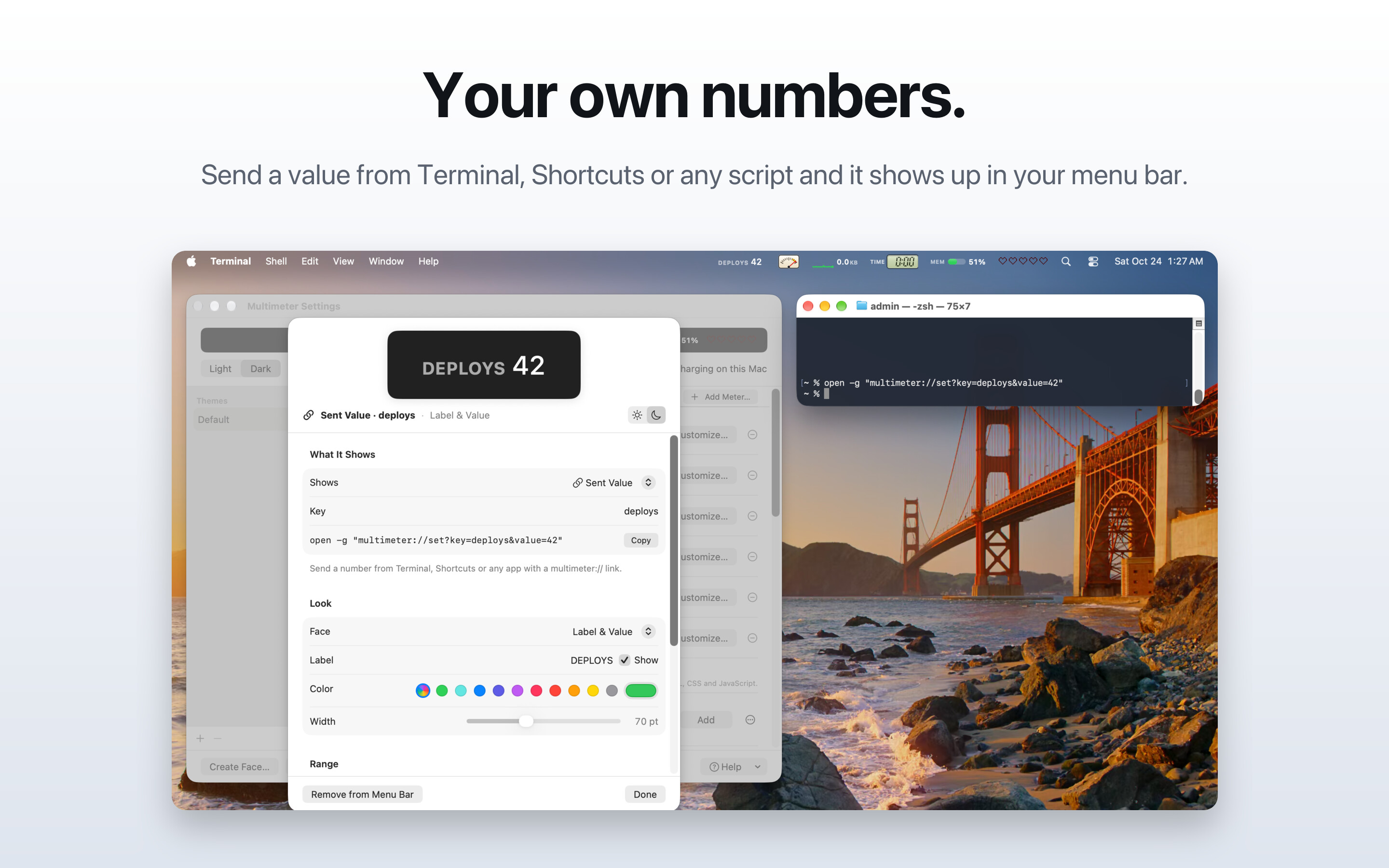
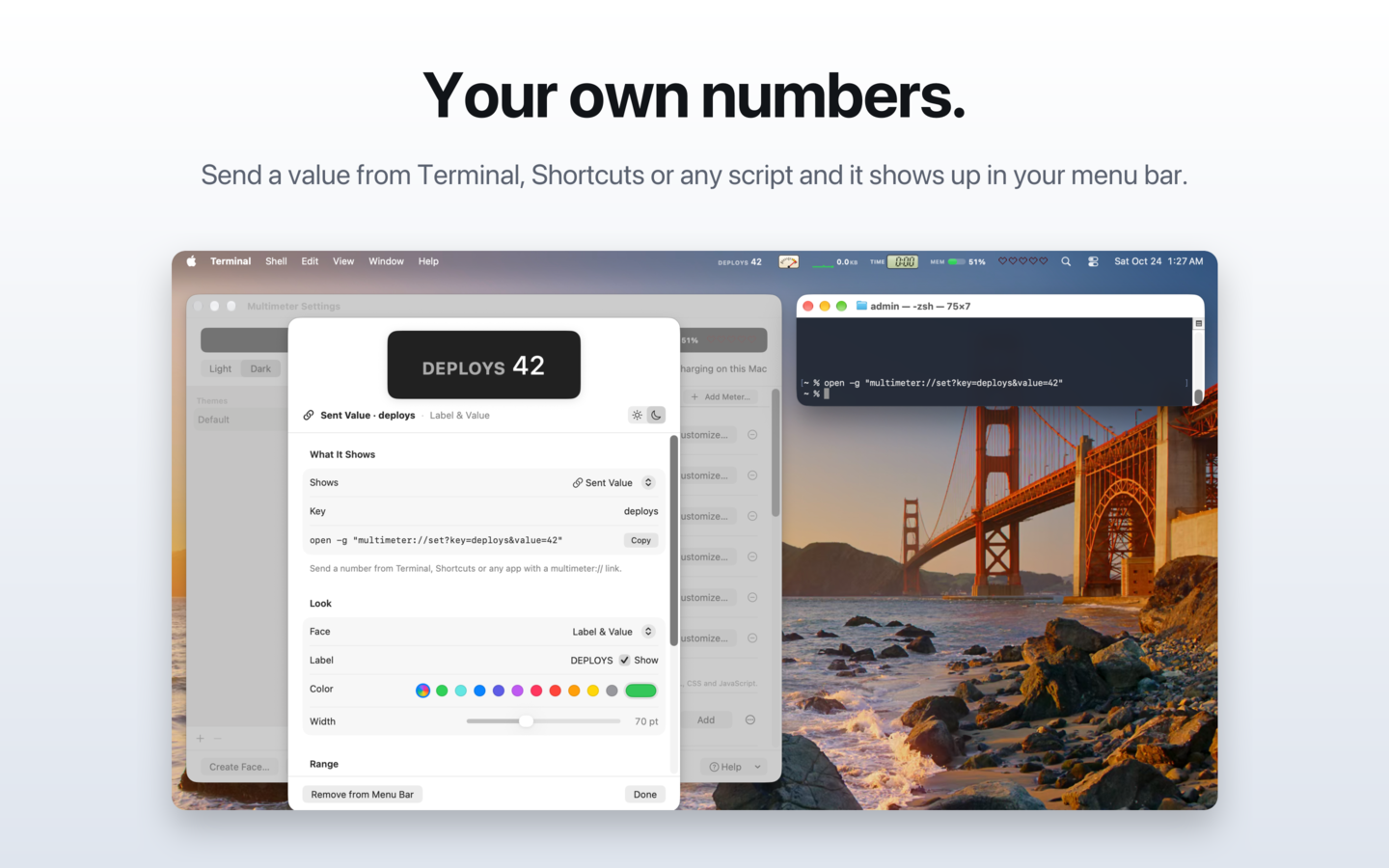
For everything else, send a value with a multimeter:// link from Terminal, Shortcuts or cron, or point a meter at a web address, a file or a shell script. Build status, deploys, inbox counts: if you can get a number, Multimeter can show it.
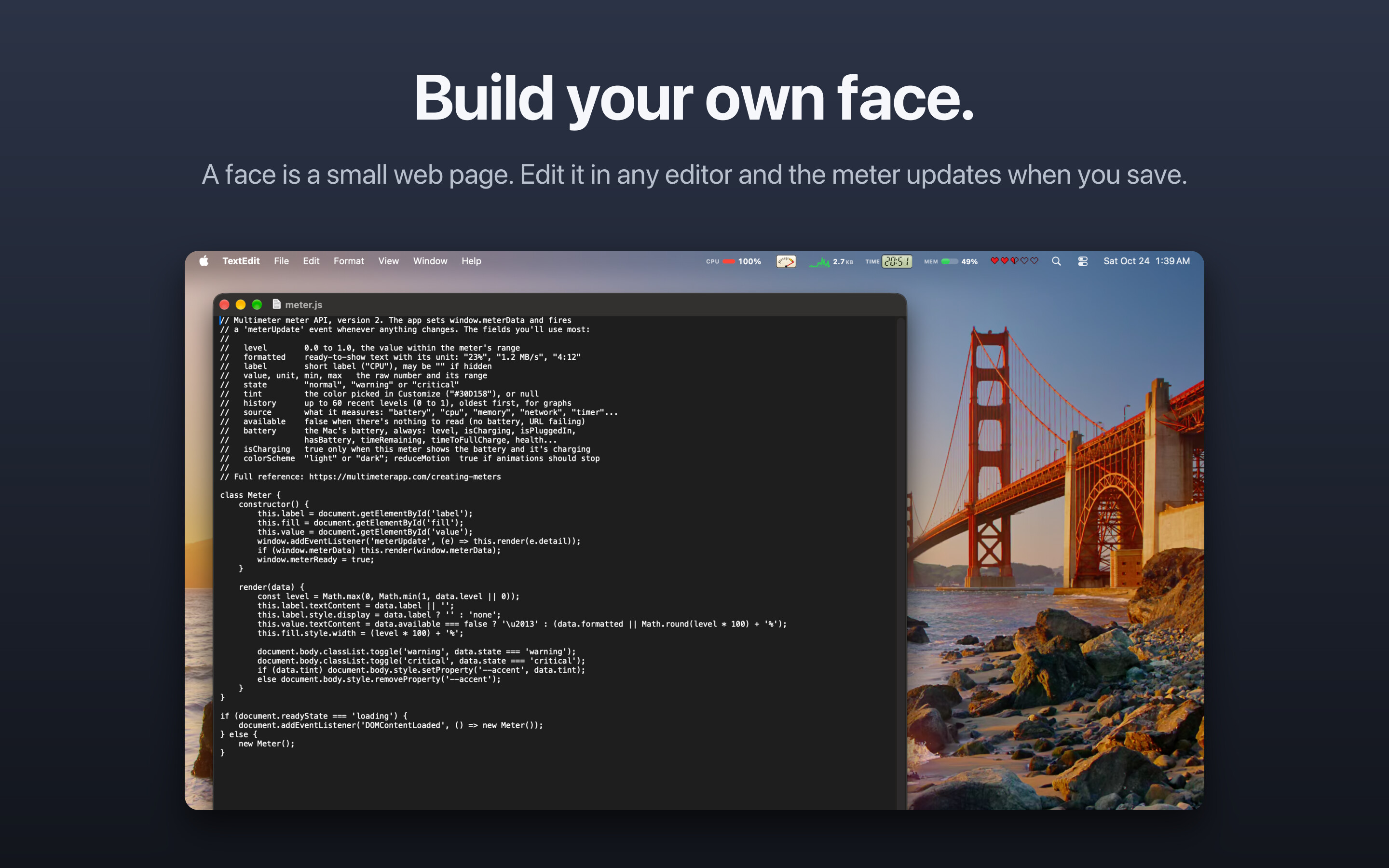
Each meter gets a face: an analog gauge with a springy needle, LCD digits, a sparkline, a ring, or playful ones like a row of hearts. Faces are small HTML, CSS and JavaScript files, so anyone can build one and share it in the gallery.
Numbers you can quote
- Five live meters use about 3% CPU.
- All faces share one WebKit process, and meters pause while the displays sleep.
- 16 things to measure and 13 built-in faces.
Icon and screenshots
Descriptions
A short and a long description, plus the facts above, in one text file.
Descriptions (Markdown, English)Who makes it
Multimeter is made by Jake Marsh at Great Work LLC, a small independent software studio. Jake also wrote Little Bites of Cocoa, a tips site for iOS and Mac developers.
Review copies
Writing a review or making a video? Email hello@greatwork.company and we'll send you a free copy.